· 9 min read
How to Retry Failed Requests Without Crashing Your Server
A simple retry loop can keep your own server down. Here are the 5 problems we faced with retries, and the fix for each one, with a 12-line retry in TypeScript.
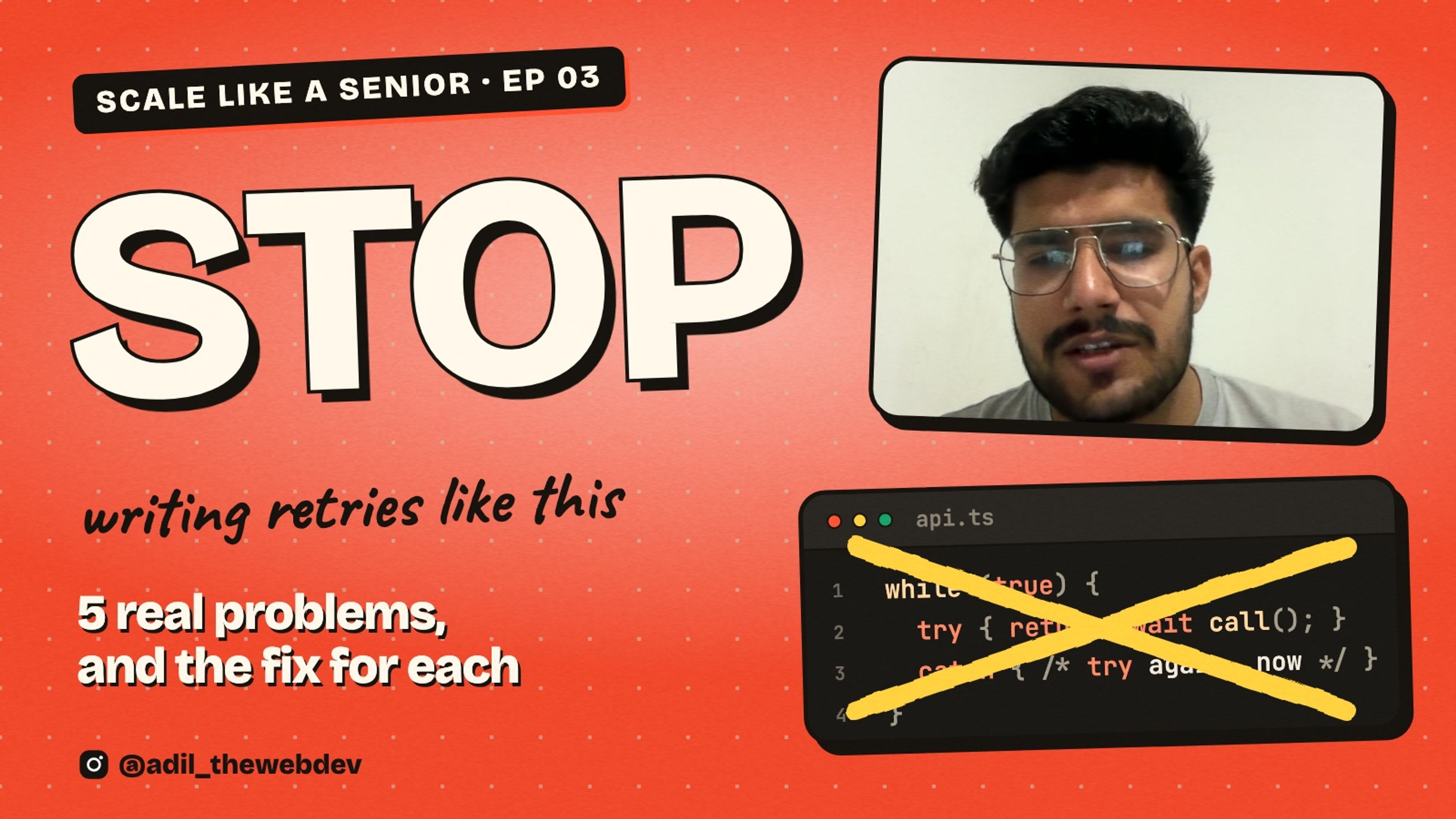
Stop writing retries like this:
async function callWithRetry() {
  while (true) {
    try {
      return await call();
    } catch {
      // failed? try again, now
    }
  }
}
It looks harmless. The request failed, so we try again. What can go wrong?
A lot. This small loop can keep your own server down. In this post I will show you the 5 problems we faced with retries at work, and the solution we made for each one. The main solution is 12 lines of TypeScript.
First, why retry at all?
I work on a service that creates ads on advertising platforms. One job can take a few minutes. At the end, we write one line to the database: this job is done.
One day that write failed. The database was busy for one second and refused the connection. The ads were created. Everything worked. But the job stayed as "processing" for 90 minutes, until a cleanup task found it.
The customer saw a job that never finished. And the fix was only this:
async function markDone(jobId: number) {
  await retry(() => db.setStatus(jobId, 'done'), {
    retries: 4,
    baseMs: 500,
  });
}
If the write fails, we wait a little and try again. The database is busy for one second, and nobody notices.
So retries are good. Networks fail, databases get busy, and other servers restart. But a wrong retry is worse than no retry. Let's see why.
Problem 1: Everyone retries at the same moment
Look at the loop on the top again. When does it try again? Immediately. And how many times? Forever.
Now think about what happens when the server is slow. Let's say 1,000 users are waiting. All 1,000 requests fail. All 1,000 users retry at the same moment. They fail again, and they retry again.
So 1,000 users turn into 10,000 requests in a few seconds. The server was only slow. Now it is down, and it cannot come back, because every time it starts, the same crowd hits it again.
The server did not have a traffic problem. Our retry code made one.
The solution: wait longer, and add a random delay
Senior engineers fix it with two small changes.
- Wait longer after every failure. 200 ms, then 400, then 800, then 1,600. This is called exponential backoff. It gives the server time to recover.
- Add a random delay. If everybody waits exactly 400 ms, they all come back together again. A random wait spreads them out. This is called jitter.
Here is the full code. It is 34 lines with the types, and the loop itself is 12 lines.
export interface RetryOptions {
  retries?: number;
  baseMs?: number;
  maxMs?: number;
}

const sleep = (ms: number) =>
  new Promise<void>((done) => {
    setTimeout(done, ms);
  });

export async function retry<T>(
  task: () => Promise<T>,
  options: RetryOptions = {}
): Promise<T> {
  const {
    retries = 5,
    baseMs = 200,
    maxMs = 10_000,
  } = options;

  for (let attempt = 0; ; attempt += 1) {
    try {
      return await task();
    } catch (error) {
      if (attempt >= retries) throw error;
      const ceiling = Math.min(
        maxMs,
        baseMs * 2 ** attempt
      );
      await sleep(Math.random() * ceiling);
    }
  }
}
Now let's understand it part by part.
1. Three numbers control everything
const {
  retries = 5,
  baseMs = 200,
  maxMs = 10_000,
} = options;
How many times to retry, the first wait, and the longest wait we will ever accept. Notice that there is a maximum. We never retry forever.
2. Try, and give up honestly
for (let attempt = 0; ; attempt += 1) {
  try {
    return await task();
  } catch (error) {
    if (attempt >= retries) throw error;
If the task works, we return the result and we are done. If we are out of retries, we throw the real error. We do not hide it and we do not replace it with "something went wrong". The person who reads the logs needs the real one.
3. The wait doubles every time
const ceiling = Math.min(
  maxMs,
  baseMs * 2 ** attempt
);
2 ** attempt is 1, 2, 4, 8, 16. So the ceiling is 200 ms, 400, 800, 1,600, 3,200. Math.min stops it at 10 seconds, so nobody waits for an hour.
4. One line spreads the crowd
await sleep(Math.random() * ceiling);We do not wait the full ceiling. We wait a random time between zero and the ceiling. So 1,000 users do not come back in one moment. They come back spread over the whole window.
This is not my idea. The AWS SDKs retry this way by default, with exponential backoff and jitter.
Problem 2: We retried errors that could never work
After we added backoff, a different complaint came. Some jobs took 10 minutes to fail.
Why? One customer uploaded a video with a very long file name. The platform has a limit of 100 characters, so it refused the upload. Our code saw a failure and did what we told it to do. It waited 30 seconds and tried again. Then it waited longer and tried again. Five times.
The file name was still too long every time. We knew the answer in the first second, and the customer waited 10 minutes to hear it.
The solution: ask if a second try can change anything
There are two kinds of failure. A temporary one can work next time: the server is busy, the network dropped, you were told to slow down. A permanent one will fail the same way every time: wrong input, no permission, not found.
type Failure = {status?: number; code?: string};

function isTemporary(error: unknown): boolean {
  const {status, code} = error as Failure;
  if (status === 429) return true; // too many requests
  if (status !== undefined && status >= 500) return true; // their server broke
  if (code === 'ETIMEDOUT' || code === 'ECONNRESET') return true; // the network broke
  return false; // 400, 401, 403, 404, 422: asking again changes nothing
}
And the loop asks this question first:
for (let attempt = 0; ; attempt += 1) {
  try {
    return await task();
  } catch (error) {
    if (!isTemporary(error)) throw error;
    if (attempt >= retries) throw error;
    const ceiling = Math.min(maxMs, baseMs * 2 ** attempt);
    await wait(Math.random() * ceiling);
  }
}
One new line. A permanent error is thrown immediately, and the user sees it in one second.
Problem 3: The error was hidden inside a 200
Now the retry was smart. But for one platform it never ran at all, and requests were failing.
This took us some time to find. When that platform wants you to slow down, it does not answer with status 429. It answers with status 200, which means OK, and it puts an error code inside the body.
Our HTTP client saw 200 and said: success. So nothing was thrown, and the retry had nothing to catch.
The solution: read the body, and throw the right error
async function createAd(ad: unknown) {
  const reply = await http.post('/ads', ad);

  // The platform answers 200 even when it refuses. The real answer is in the body.
  if (reply.body.code === RATE_LIMITED) {
    throw Object.assign(new Error(reply.body.message), {status: 429});
  }
  if (reply.body.code !== 0) {
    throw Object.assign(new Error(reply.body.message), {status: 400});
  }
  return reply.body;
}
We turn the hidden refusal into a normal error with the right status. Now isTemporary understands it. "Slow down" becomes a 429 and gets retried. "Your name is too long" becomes a 400 and does not.
So do not trust the status code alone. Check what a failure looks like for every API you call.
Problem 4: The request that never answers
What is worse than a request that fails? A request that does not fail and does not finish.
Sometimes a server accepts the connection and then sends nothing. No error. No answer. Our code waited, and waited. The retry never started, because for the retry nothing had failed yet.
The solution: a time limit for every try
function withTimeout<T>(
  task: (signal: AbortSignal) => Promise<T>,
  ms: number
): Promise<T> {
  const controller = new AbortController();
  const timer = setTimeout(() => {
    controller.abort(Object.assign(new Error('timed out'), {code: 'ETIMEDOUT'}));
  }, ms);
  return task(controller.signal).finally(() => clearTimeout(timer));
}
If the task does not finish in time, we stop it and throw a timeout error. And a timeout is a temporary failure, so the retry takes over.
const report = () =>
  retryIf(() =>
    withTimeout((signal) => fetchLike(url, {signal}), 10_000)
  );
Each try gets 10 seconds. A retry without a timeout only protects you from fast failures. The slow ones are the dangerous ones.
Problem 5: The retry that made a duplicate
This one is the most important, because it can cost money.
We uploaded a video. The upload timed out, so we retried. The second try came back with an error: "this name already exists".
How can it exist? Because the first try had worked. The platform received the video and saved it. Only the answer was lost on the way back. We did not know, so we sent it again.
For a video, you get a strange error or two copies. For a payment, you charge the customer twice. For an email, you send it twice.
The solution: only retry what is safe to repeat
Before you wrap a call in a retry, ask: what happens if this runs two times?
- Reading data is safe. Read it ten times, nothing changes.
- Setting a value is safe. "Set status to done" two times is still done.
- Creating something is not safe. Two tries can make two things.
For the unsafe ones, make the second try harmless. In our case the duplicate error was actually good news, so we treat it that way:
async function uploadVideo(file: {name: string}) {
  try {
    return await platform.upload(file);
  } catch (error) {
    // "This name already exists" after a retry means our first try worked.
    if (isDuplicateName(error)) return platform.findByName(file.name);
    throw error;
  }
}
Many APIs also accept an idempotency key. It is an ID you send with the request. If the same ID comes twice, the server does the work only once. If the API you use has it, use it.
One more thing: the server may tell you when to come back
When a server answers 429, it often adds a header called Retry-After. It says how many seconds to wait. Most code ignores it and guesses. Do not guess when the server already told you.
function waitMs(retryAfter: string | null, attempt: number): number {
  const seconds = Number(retryAfter);
  if (retryAfter !== null && Number.isFinite(seconds) && seconds > 0) {
    return seconds * 1000; // the server told us when to come back
  }
  const ceiling = Math.min(10_000, 200 * 2 ** attempt);
  return Math.random() * ceiling;
}
What this does not solve
I want to be honest with you. A good retry is one tool, not the whole answer.
- Retries multiply. If your browser retries 3 times, your API retries 3 times and your database client retries 3 times, one click can become 27 requests. Retry in one place, not in every layer.
- It does not help when a service is down for an hour. Then every request waits, retries and fails slowly. For that you stop calling the service for a while. This is called a circuit breaker.
- It does not replace a rate limit. Backoff makes you a polite client. The server still needs its own limit for clients who are not polite.
If you do not want to write it yourself, p-retry does backoff with jitter. The difference is that now you know what to check before you use it.
All the problems and solutions
- Everyone retries at the same moment. Wait longer after every failure, and add a random delay.
- Retrying errors that can never work. Retry temporary failures only. Throw permanent ones immediately.
- The error hidden inside a 200. Read the body and throw an error with the right status.
- The request that never answers. Give every try a time limit.
- The retry that makes a duplicate. Only retry what is safe to repeat, and make the second try harmless.
What is next
A retry helps when a service fails for a moment. But what should your code do when a service is down for a long time? Keep knocking? No. You stop calling it, and you check again later. That is the circuit breaker, and it is the next post.
I post every topic as a short video first. You can follow @adil_thewebdev on Instagram for the next one. And if you are building something that has to scale, you can contact me here.